
Oct 9, 2026
Your ChatGPT or Claude can now work with Semly data — analyze your brand’s results, check out the competition, and help you create and publish content.
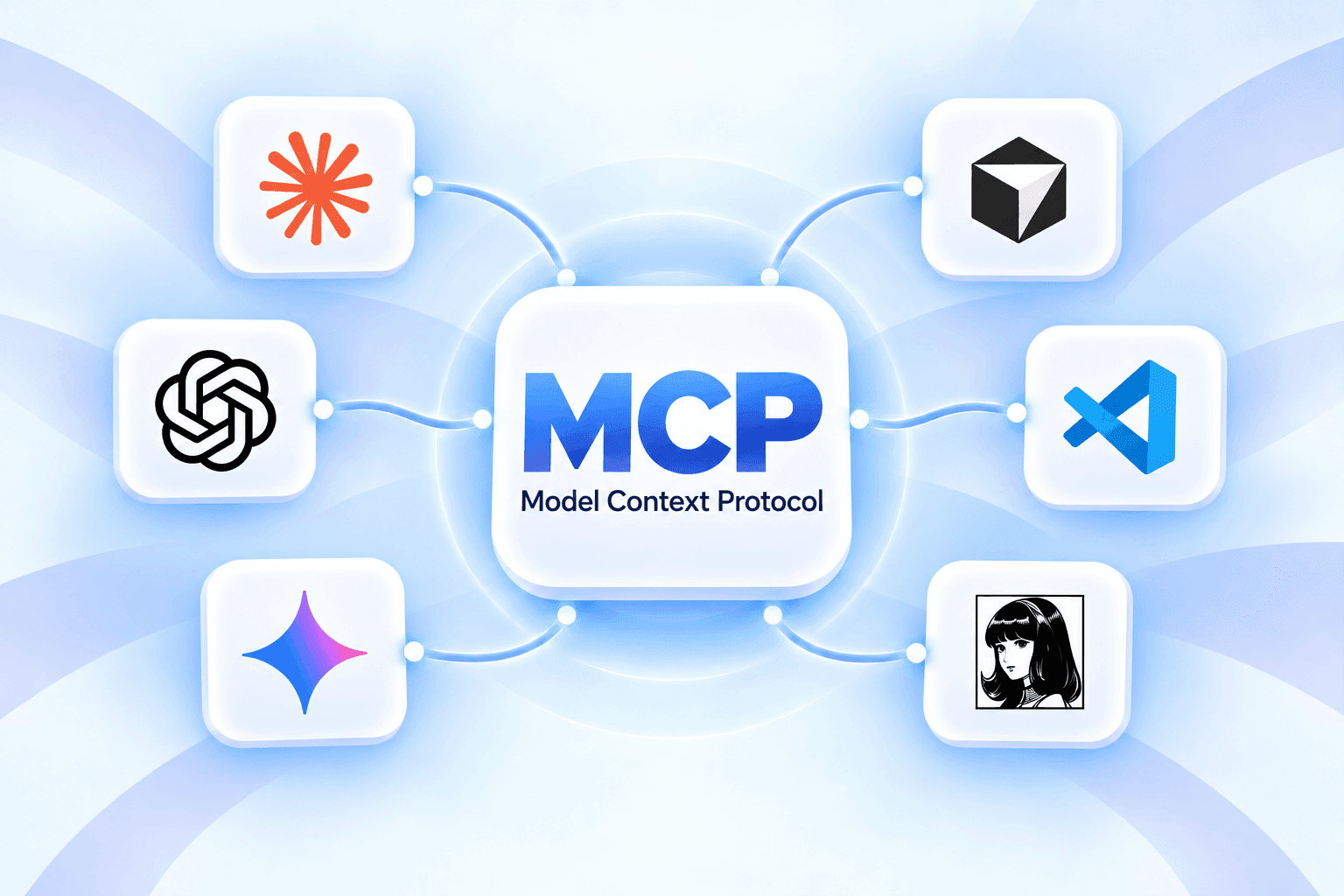
We’ve added MCP, which connects Semly to your AI assistant. The feature is available on the Ultra and Scale plans.
What does this change? Open a chat and tell the assistant what you want to achieve. It uses the Semly data you’ve shared to help you find answers and take the next steps. No copying reports or explaining what your brand does every time.
“What can I do to get AI to recommend my brand more often?”
The assistant analyzes your results, checks out the competition, and helps you choose the most important actions.
“Where does the competition show up in AI answers while we’re missing?”
You can find questions and topics worth creating new content for.
“Which articles are losing Google traffic, and what should I improve in them?”
After connecting Google Search Console, you can compare search results with Semly data and prepare specific changes.
“Plan my content for the next month.”
The assistant helps you choose topics based on data about your brand, competitors, and customer questions.
“Generate an article on the topic I choose. Publish it on WordPress after I approve it.”
In a single conversation, you can go from an idea to finished content and publication on a connected site.
These are examples of how you can work with Semly MCP. You can find more in our library of prompts and ready-to-use workflows.
Combine ChatGPT or Claude's knowledge with your brand data from Semly.
You can ask follow-up questions about results, request explanations, develop ideas, and assign tasks. From “why aren't they recommending us?” to “create content that answers these questions.”
You choose which brands are available and what permissions they have. Content generation uses your Semly limits, while editing and publishing require the appropriate permissions.
Jeśli już korzystasz z AI w codziennej pracy, Ultra pozwoli Ci połączyć je bezpośrednio z Semly.
Raport, który oglądasz w panelu, może stać się początkiem rozmowy, planu i konkretnego działania. To duży krok dla każdego, kto chce sprawniej pracować nad widocznością swojej marki.
Przejdź na Ultra i zbuduj swojego asystenta GEO i SEO.
Zarządzasz wieloma markami? W Scale możesz pracować z nimi w jednym oknie rozmowy — w ramach udostępnionego dostępu.
Zapytaj na przykład:
„Porównaj wyniki moich marek. Które potrzebują teraz najwięcej uwagi i od czego zacząć?”
To wygodny sposób pracy dla agencji i zespołów prowadzących kilka projektów.
Chcesz łatwiej zacząć? Przygotowaliśmy gotowe skille - umiejętności pomagające asystentowi pracować z Semly.
Write to [email protected], and we’ll send them along with instructions on how to use them.
Open Settings → MCP Apps in Semly, choose your assistant, and connect your account by following the instructions.
In this tab, you’ll also find connected apps and their activity history.
MCP is now available in Ultra and Scale. Connect Semly and ask your first question about your brand.
 Coming soon: Semly plugins
We’ll also publish Semly plugins for ChatGPT and other AI assistants, making it even easier to connect them to Semly and start working on your brand’s visibility. We’ll announce their availability in future updates.
You can find more information in our Help Center.