
Oct 20, 2026
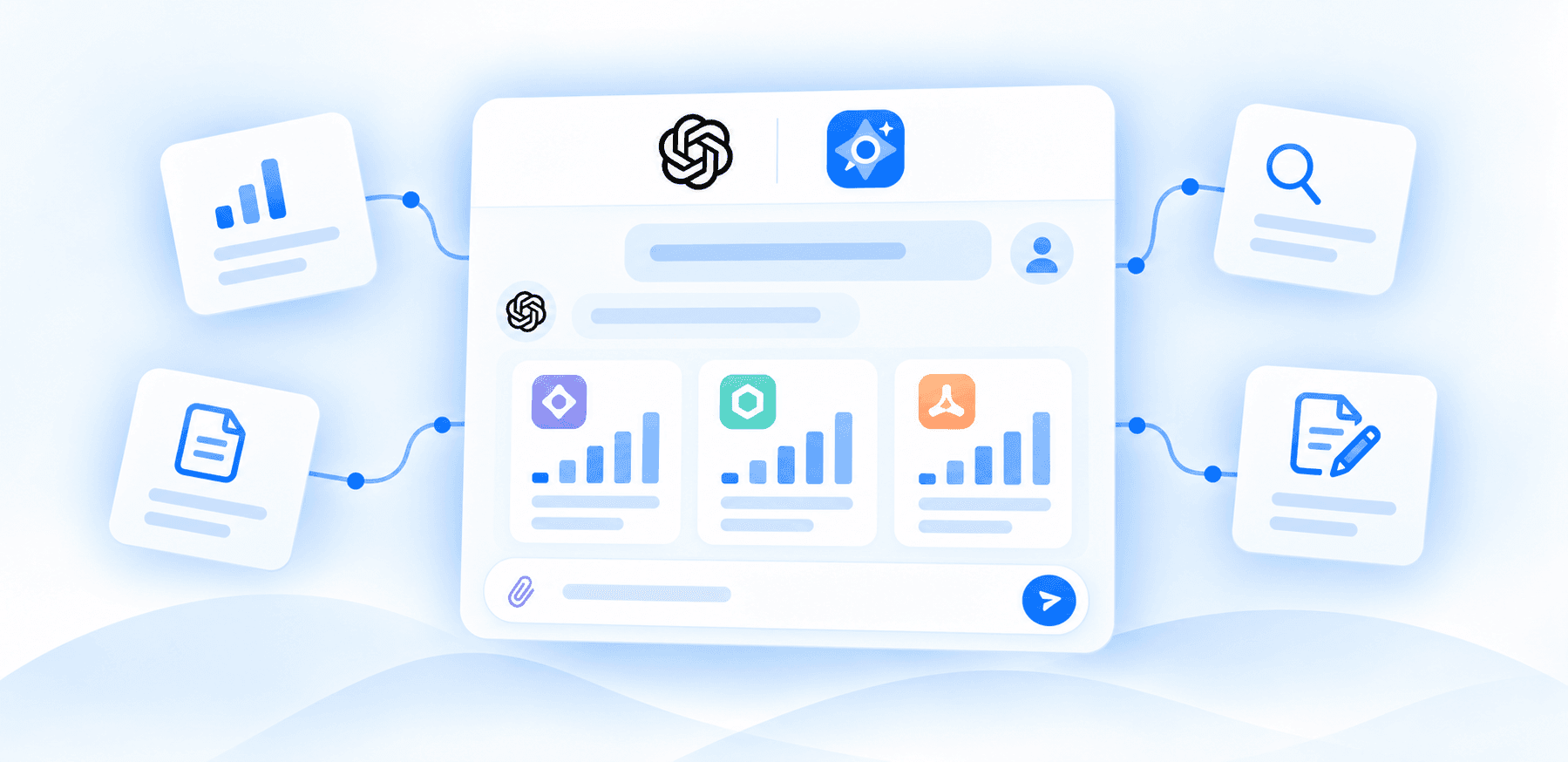
We’ve added the official Semly plugin to ChatGPT! It’s now available to customers on the Ultra and Scale plans. Now you can work with Semly data directly in a conversation with ChatGPT: ask questions, compare results, and prepare concrete actions for your brand.
With the Scale plan, you can analyze all the brands in your account in a single conversation window. This is a big help for agencies and teams managing several projects. You can ask for an overview of your entire portfolio’s results, identify brands that need attention, and set priorities for your next steps.
Check your brand’s visibility in AI. Analyze results, trends, and changes between periods.
Compare your brand with the competition. Check which questions your competitors are more visible for and how the differences between AI models look.
Review AI responses and their sources. See what models say about your brand and which pages they cite.
Combine AI analysis with Google and Bing data. Use data from Google Search Console and Bing Webmaster Tools if you have connected these services in Semly.
Work on content. Request article generation, review and edit them directly in the conversation.
Expand your monitoring. Add customer questions you want to track in Semly, and analyze saved recommendations.
The plugin is available on Ultra and Scale plans.
“Compare my brand’s visibility with competitors over the last 30 days.”
“Check which sources appear in AI answers to questions about my brand.”
And on the Scale plan:
“Review all my brands and identify the three that need the most attention. Explain your choices and suggest actions for each one.”
You can ask follow-up questions, change the scope of the analysis, and move from results to an action plan in the same conversation.
Open the Semly plugin in ChatGPT and start by asking a question about your brand.